v0.50March 23, 2026
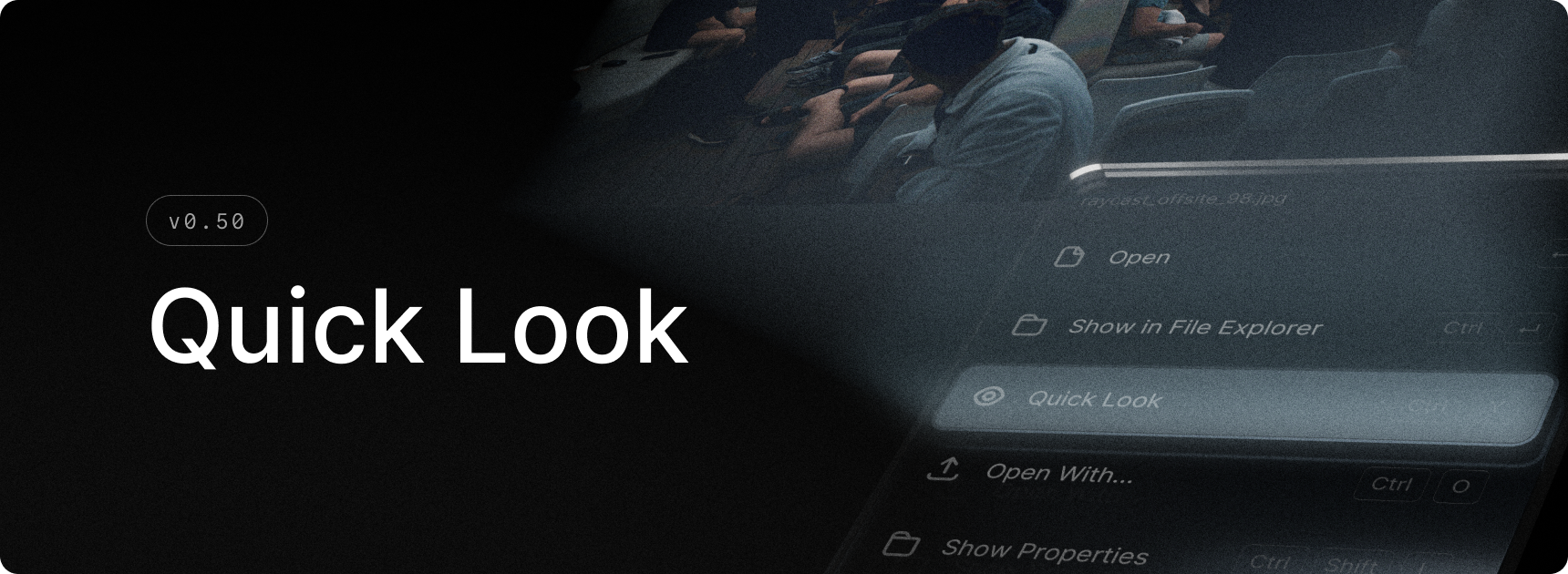
Raycast on Windows now supports Quick Look!
It lets you preview files instantly without leaving Raycast or opening them in another app.
Quick Look gives you a fast, inline preview of images, PDFs, videos, audio, text files, and even Office documents - right from File Search. Press Ctrl+Y on any file to open a floating preview window, and press it again to dismiss. As you navigate through your search results, the preview updates automatically to follow your selection.
✨ New
- Search Files: You can now use “Quick look” action in Search Files.
💎 Improvements
- Applications: Duplicates are now disambiguated by their path in root search.
- Translate: Choose the default action via settings
🐞 Fixes
- AI: Fixed Quick AI, AI Commands and AI Settings not being available in the UI
- Hotkeys: Fix an issue where some modifiers would appear stuck after using certain actions
- Script Commands: Cleanup hotkeys and settings for deleted script commands