v2.2September 8, 2026
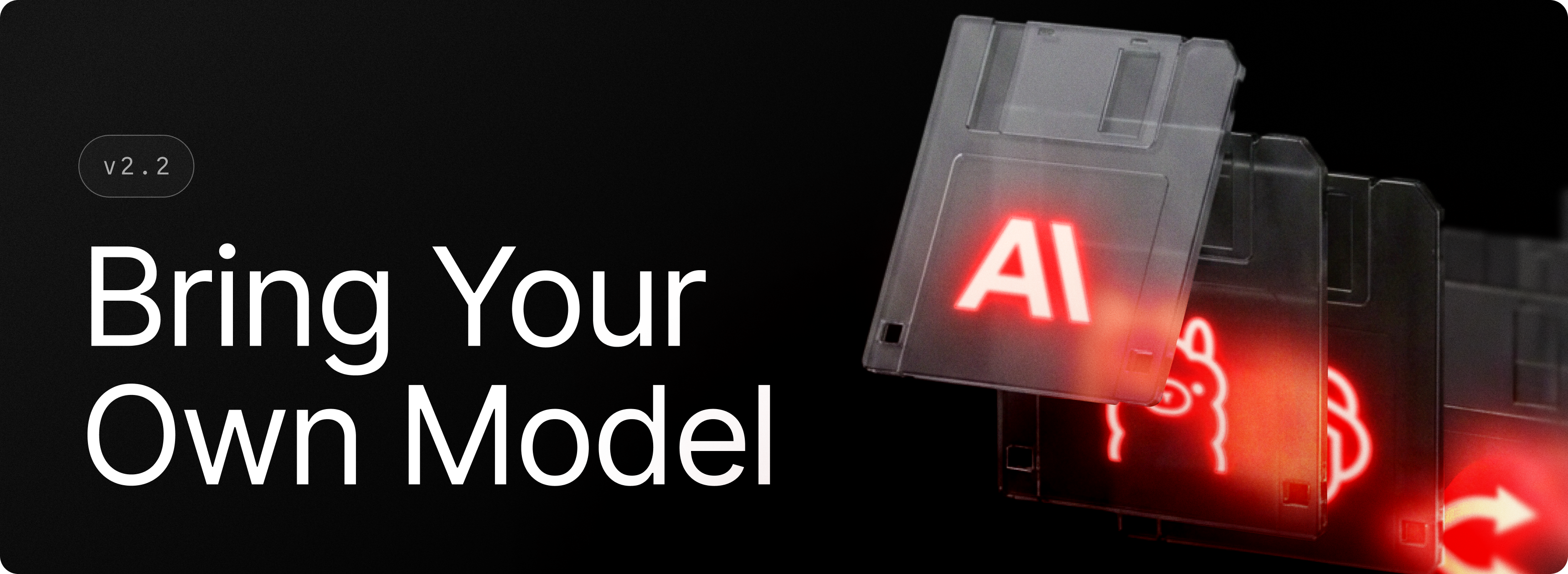
Bring Your Own Model brings three familiar ways to use your preferred AI models back to Raycast v2. Connect any OpenAI-compatible endpoint with Custom Providers, run models through Ollama with Local Models, or add your OpenRouter API key to choose from its catalog. Once configured, your models are available across Raycast AI alongside Raycast’s built-in options.
In v2, Custom Providers, Local Models, and Bring Your Own Key require a Raycast Pro subscription. We know this is a meaningful change compared to v1 and want to be upfront about it. You can read more about our thinking and where we’re heading on the BYOAI article in the Manual.
✨ New
- AI: Added support OpenAI-compatible custom providers, local models via Ollama, and OpenRouter API keys, using their models across Raycast AI
- Quick AI: Added a Paste Formatted Response action
- Window Management: Added Resize Window and Move Window commands that take exact pixel dimensions and coordinates as arguments
- Window Management: Added Create Layout From Current Windows command allowing for quick capturing custom layouts from the windows currently on screen. The layout editor can also add any visible window, and a layout can place several windows of the same app
- Window Management: Apps launched by a custom layout can now be given command-line arguments
💎 Improvements
- AI: Added basic support for right-to-left text
- AI Settings: Enabled Ask Questions and Collapse Long Messages by default and removed their settings
- Window Management: Applying a custom layout now forms a native snap group, so arranged windows keep Windows' joint-resize dividers and Snap Assist no longer gets in the way
- Root Search: Apps can now be found by their executable name or execution alias (e.g. "devenv" finds Visual Studio), and apps sharing a name are disambiguated in search and app pickers
- File Search: Deep directories no longer outrank shallower or more recent files
- Run: Added
Run in ShellandRun in Shell as Administratoractions, plus a Shell preference in Run settings, so commands can run in your shell of choice with the terminal left open - Run: Searching Run Commands now matches the command text itself, not just its name, so you can find a saved command by what it actually does
- System: Added an
Automatically Show the Taskbarsetting so an auto-hidden Windows taskbar reveals itself whenever Raycast is open
🐞 Fixes
- Applications: Fixed browser-profile app entries acting on windows that belong to other profiles
- Clipboard: Fixed files copied to the clipboard (e.g. by Capture Window) not pasting into apps that expect an image
- Dictation: Fixed an issue where dictated text could be submitted before the target app had finished receiving it, cutting off part of the transcription.
- Extensions: Fixed
Gridpagination on fractional display scaling, tooltips onListandGriditem icons and accessories,Formitem info text,Alerticons, and checkbox preference grouping in Settings - File Search: Fixed a race condition that could cause the index to remain incomplete
- File Search: Recent files now populate during indexing
- Quick AI: Fixed launches from Root Search not applying the current Quick AI defaults in some situations
- Root Search: Recent files should now be consistent with File Search
- Settings: Fixed opening a setting closing the already-open Settings window instead of focusing it
- Window Management: Fixed maximized and minimized windows being placed on the wrong monitor when applying a layout